
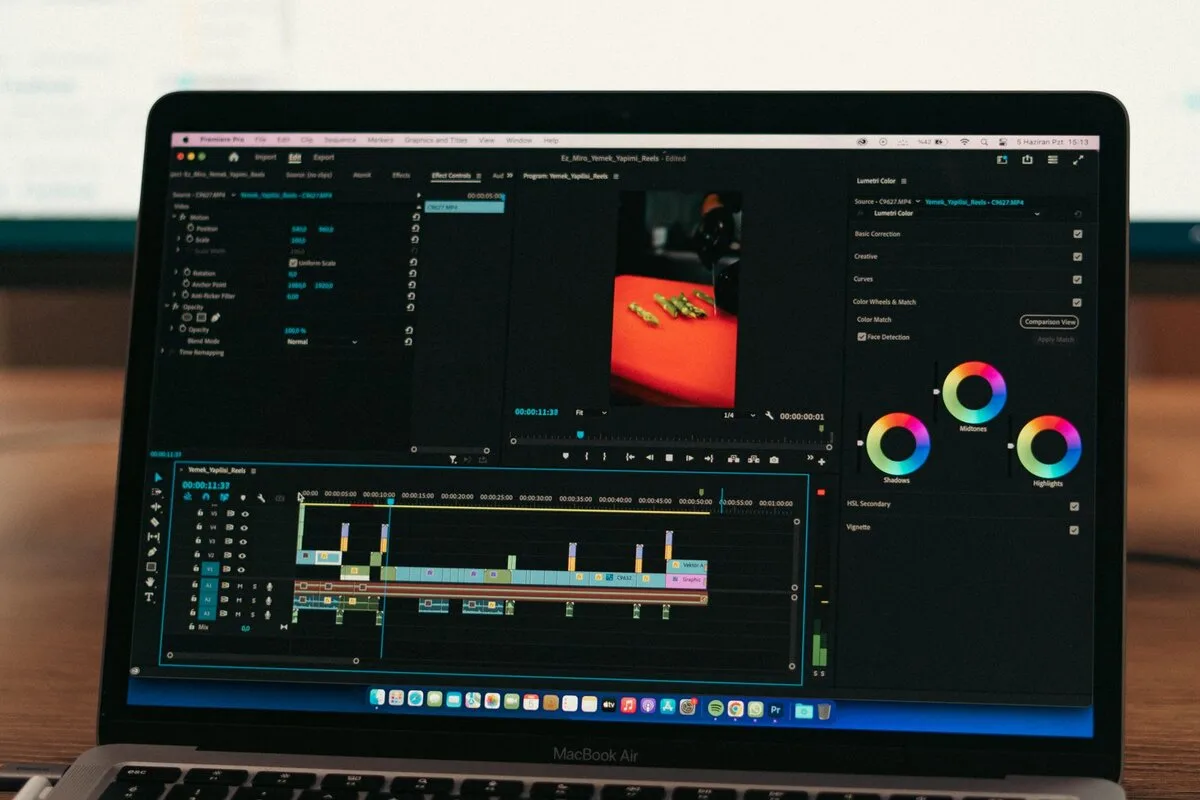
Most creators learn a single approach and stop there, then wonder why the results plateau. There are six distinct generation methods, plus one workflow for stretching short clips into full long-form videos, and each solves a different problem. Pick the wrong one and a clip looks generic, or a character's face quietly changes between shots. This guide walks through all of them, ordered by how much control they hand you, with the tools that do each job best. If your videos use AI voiceovers, pair this with our guide on how to disclose AI voice without losing monetization.
Text-to-video: fast, no control
Type a description and the model builds everything from nothing: the character, the location, the movement. Models like Veo, Kling, and Seedance handle this well, and a single pass typically runs up to 15 seconds at 1080p in a 16:9 frame. That speed is the point; you can see an idea move in under a minute.
The catch is that the model invents every detail at once, so you have almost no say in how it looks. Best for quick experiments and rough concepts. The moment you need a specific face, or the same scene continued across several clips, you hit a wall.
Image-to-video: lock the first frame
Instead of letting the model invent the scene, you hand it a starting image and tell it to begin there. Everything flows forward from that frame, so lighting, face, and composition stay locked. Generate the frame first with an image model at 2K or 4K, pick the strongest of the variations, then animate it. A grounded first frame is also what makes motion feel physically believable rather than guessed.
This is the right method when you already have the exact look you want. Its limit is scope: one strong shot, not consistency across a whole project.
Reusable elements: consistency across clips
This separates people experimenting with AI video from people building with it. You save a character and a location as reusable elements, and every new clip pulls the same person into the same world. No regenerating images and hoping they match. You create the assets once, save them, and load them into each generation. For a series, a short film, or a branded campaign, this is how the cast stays identical across dozens of scenes.
Video-to-video: transfer the motion
The most underused method. You take a clip that already moves the way you want and use it purely as a motion reference; the new generation inherits the body mechanics, pacing, and rhythm, but you swap the subject and setting. Nail one well-animated clip, then spin off variations with different characters or environments while keeping the timing that worked. Tools like Kling Motion Control are built specifically for copying movement from one video onto another character.
Avatar and product ads: a separate track
Ad creation runs on its own track. You combine a saved avatar with a product image, and the system returns a finished ad creative with lip-synced delivery in a few minutes, no shoot or hired actors. Because the avatar is saved, the same face can front every ad afterward, which is what brands, marketers, and high-volume UGC creators need.
Lip-sync: cast a face, write the line
Lip-sync is the most precise method. The model takes one specific face and makes it deliver a single line, mouth movements matched to the audio, with a separate cue for delivery. Dedicated lip-sync models hold the duration to around 10 seconds and keep the sync clean. Ideal for a faceless channel that wants a consistent host, a spokesperson without hiring one, or any script that needs a believable face.
The models, compared
Feed the same prompt to several generators and the gaps get embarrassing. Physics is the brutal test, because once a body moves wrong you cannot fix it in post. One model nailed a dive at 9.5 out of 10. Another flailed at 5. Audio splits the field even harder: the best lip-sync came back a clean 10, while the weakest mumbled at 2 or 3, which quietly rules it out for anything with a person talking.
Then there is price, and it is wider than you would guess. The same 15-second 1080p clip might cost 180 credits on a premium model and about 30 on a value one. That is a 6x gap for identical length. Veo looks tempting at 4K until you notice it often stops near 8 seconds, so a 15-second shot turns into two generations and almost double the bill. As a rough rule of thumb: Seedance and Kling win on quality and value, Veo wins on audio and resolution, and all-in-one platforms bundle the lot under one subscription, so you switch per shot instead of paying for each separately.
Going long-form: the extend-and-bridge method
The six methods above mostly produce 6-to-15-second clips. To build a full 30-second, 2-minute, or 10-minute video with the same characters throughout, you chain clips without an editor. Grok makes this practical: generate a 6-second clip from a starting image, then use its "extend video" button and a prompt for what happens next. Each extend adds about 6 seconds with a smooth, cut-free transition, until you hit a 30-second ceiling per chain.
To go past 30 seconds, bridge chains. Pause the clip on its final frame, save that frame as an image, upload it as the start of a fresh chain, and continue the story from there. Repeat to reach 60 seconds, 90 seconds, and beyond. For a 15-minute piece you plan roughly 50 scenes of 6 seconds each, generate 10 to 15 separate 30-second chains, then line them up in a free editor like CapCut and export at 1080p, 30fps. Grok also bakes in sound effects and rough character voices automatically, so short social clips for TikTok, Instagram Reels, or YouTube Shorts can be posted as is.
Three habits keep long projects consistent: copy your exact character descriptions (clothing, hair, build) into every prompt; if a frame drifts even slightly, regenerate that scene rather than extending it, because one bad frame ruins the chain; and state the time of day and lighting in every prompt so the world stays coherent.
How to choose: the ladder of control
- Just want to see an idea move, no assets? Text-to-video.
- Have the exact look already? Image-to-video.
- Need the same character across many clips? Reusable elements.
- Want to reuse motion you nailed? Video-to-video.
- Making product ads at scale? The avatar workflow.
- Need a face to deliver a scripted line? Lip-sync.
- Building something longer than 30 seconds? Extend-and-bridge.
The bottom line
There is no single best way to make AI video; there is the right method for the shot in front of you, and the right model for the capability you lean on hardest. Test physics, audio, or motion before paying for volume, and bridge chains when you need length. For the tools that turn these methods into finished clips, see our roundup of the best AI video tools after Sora, and for a presenter that looks and sounds like you, the practical AI avatar workflow.




