
When a whole team generates AI video, the real risk is not quality but consistency: every person prompts differently, so the output looks like ten brands instead of one. A brand kit fixes that. You define your colors, fonts, logo, and a reference for the look once, lock it, and every video anyone generates comes out recognizably yours. Here is how to build the kit, use style references, and enforce it so a team stays on-brand at scale.
This is the brand layer of the same production discipline behind keeping a character consistent across clips and chaining clips into long shots; here the consistency is your whole visual identity, not one face.
Why does AI video drift off-brand?
AI generation has no memory of your brand between videos. Each clip starts fresh from a prompt, so two people describing "our style" get two different results, and even one person drifts over a week of slightly different prompts. Left alone, a library of AI video ends up a patchwork, right when a brand needs the opposite.
The cost of drift is recognition. A brand works because people see the same colors and shapes enough times to remember you; a feed of videos that each look different resets that memory every time. For a small brand still building awareness, inconsistency is expensive in a way a big name can absorb but a challenger cannot. Consistency is quietly how small brands look bigger than they are.
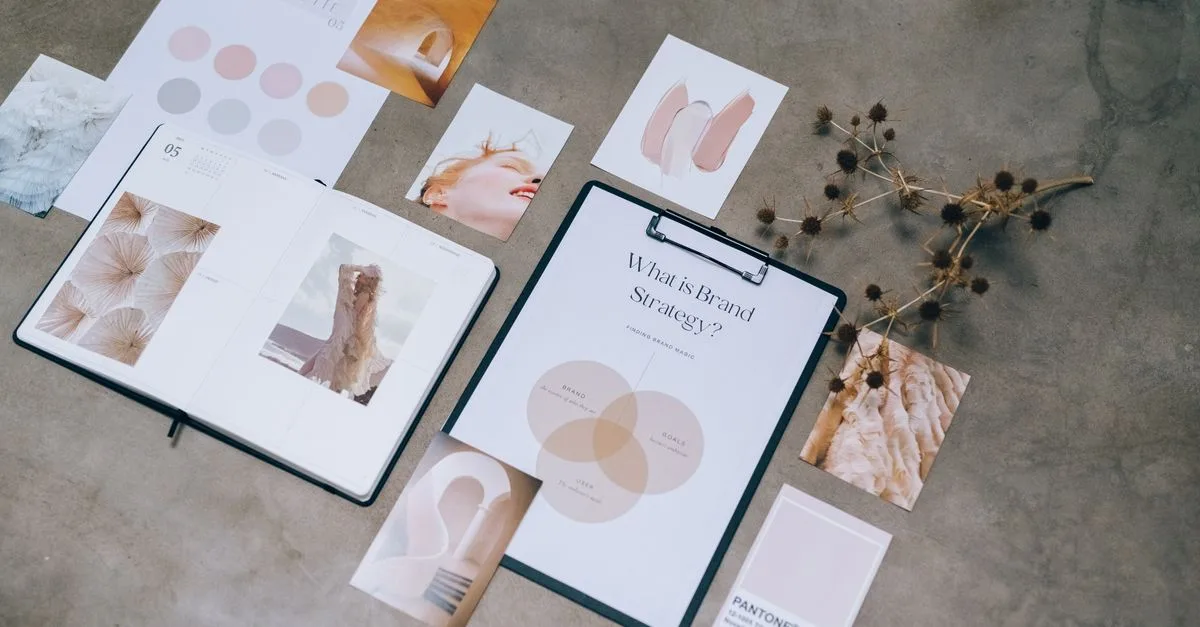
A brand kit is the fix, and it is exactly what it sounds like: your colors as hex codes, your fonts, your logo files, and an approved visual style captured as reference images. It is the fixed thing the generator anchors to, so output stops being generic and starts being yours. Without one, every tool hands you a competent stranger's video.
Build your brand kit first
Set the foundation before generating anything:
- Colors. Your exact hex codes, not "blue," so backgrounds and text match every time.
- Fonts and logo. The real font files and logo assets the tool should apply, rather than a lookalike it guesses at.
- Style reference. A few images that capture your look and mood, which the model uses to keep new visuals on-brand.
- Templates. A locked intro/outro and lower-third layout, so recurring formats assemble the same way each time.
Most serious AI video tools now hold this as a saved brand kit you configure once. That upfront hour is what turns every later generation from a guess into a branded asset.
Extend the kit past the visuals. A short note on tone (formal or playful) and the words you avoid keeps the AI-written script and voiceover sounding like you rather than a generic narrator. If you use a signature sound or music bed, add that too. The kit is your whole sensory signature, not just the logo.
If you already have brand guidelines, most of the kit exists; you are just moving it into the tool. Pull the hex codes and fonts from your existing style guide, export the logo in the formats the tool accepts, and screenshot a few of your best videos as the style reference. An afternoon of gathering beats reinventing it per video.
How do you keep every video on-brand?
Two mechanisms do the heavy lifting. The first is the style reference: you upload images of your approved look, and the model matches new output to them, which holds a consistent feel across hundreds of clips instead of prompt-by-prompt luck. The second is automatic brand application, where the tool drops your logo and colors onto each video from the saved kit, so no one has to place them by hand.
Templates carry the rest. For anything you make repeatedly, a testimonial or a product update, build it once as a template and have people fill it in rather than start from a blank prompt. The best modern tools even place branding dynamically, repositioning a logo to avoid clutter and adjusting colors for contrast, so on-brand does not have to mean rigid.
The tooling has matured here. Platforms like Synthesia save a brand kit you apply to any video, and 2026 tests report brand elements landing with over 95 percent accuracy, close enough that the exceptions are quick to spot. The practical upshot: the tool does the mechanical branding, and your job shrinks to a final glance instead of manual placement on every clip.
Templates are worth building for more formats than you would think. Intros and outros are obvious, but a recurring caption style and a standard end-card with your call to action also belong in the set. Each one you lock is a decision nobody has to remake.
Enforcing it across a team
A brand kit only works if everyone uses the same one. The point of a shared kit is that a marketer or an outside partner both generate from identical assets, so the output matches without a designer checking each file. Lock the approved logos and fonts so they cannot be overridden by accident.
Pair that with a template library, and content creation shifts from inventing to assembling. People pick the right template, drop in their message, and generate, which is faster for them and safer for the brand. That combination, a locked kit plus ready templates, is how a team scales AI video without the look falling apart.
Roles keep it clean as the team grows. Give most people generate-and-fill access to the templates, but keep editing the kit itself to one or two owners, so the brand does not fork every time someone has an idea. Tools like HeyGen add a shared glossary alongside the kit, so product names and terms stay spelled and said the same way across everyone's videos.
Is a brand system worth the setup?
For any team or brand producing video regularly, yes. The setup is a one-time hour or two, and it pays back on every video after: no re-explaining the style, and no off-brand output slipping out to be caught later. At volume, that saved friction is the whole reason to do it.
The common mistake is skipping the kit to move faster, then paying for it later. Ten off-brand videos are slower to fix after the fact than one hour of setup would have been up front, and some will already be public by then. Build the kit before the first video, not after the tenth, and the speed you wanted actually shows up. The kit is not overhead; it is what makes the speed safe.
It is overkill for a one-off video or a solo creator still finding their style, where a saved kit is more structure than you need yet. But the moment more than one person makes video for the same brand, a kit stops being optional. If this is for your organization, our AI content for business page covers setting it up, and the approach in our business training-video guide builds on the same brand-kit foundation.
Want to master this end to end? The Future Tech program teaches AI video production from a single on-brand clip to a full team workflow.




