
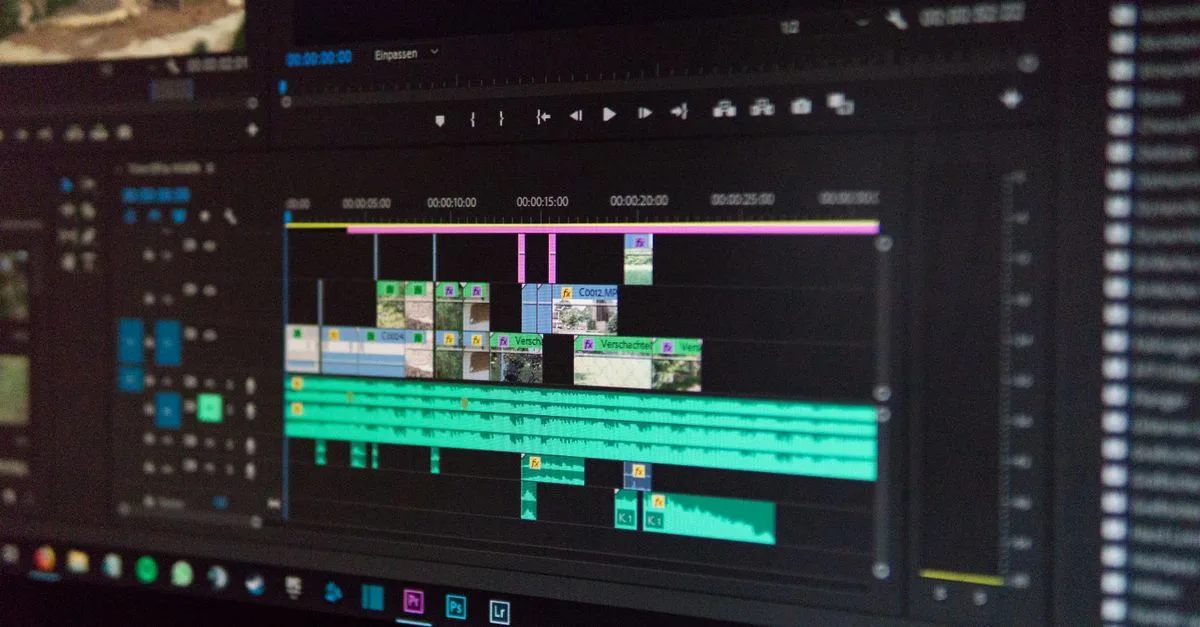
You no longer have to hunt for b-roll or pay for a stock subscription to get it. In 2026, AI handles supporting footage two ways: it reads your video and drops matching clips onto the cuts automatically, or it generates new footage from a prompt when nothing off-the-shelf fits. Both cost a fraction of stock libraries, and for anyone publishing often, that changes the math completely. Here is how each mode works, the tools that do it, and when filming it yourself still wins.
B-roll is one layer of a bigger production; our guide to AI video methods covers where it fits in a full workflow.
What is AI B-roll and how does it work?
B-roll is the supporting footage that cuts away from your main shot, the product close-up over a voiceover or the city street behind a narration. AI produces it in two distinct ways. The first is automatic overlay: a tool reads your video's audio and visuals and places relevant clips on the cuts for you, pulling them from a stock library or generating them on the spot. The second is prompt generation, where you describe the shot and a video model creates it from scratch.
The auto-overlay route is the bigger time-saver for talking-head and short-form content. You upload a clip, and the tool illustrates your points without you sourcing and positioning each cutaway by hand. For anything specific that stock does not have, prompt generation fills the gap with a made-to-order shot.
The matching is smarter than a keyword search. Modern tools read tone and context, not just the words, so a line about "growth" can pull a rising chart or a sprouting plant rather than a literal photo of the word. That said, AI b-roll handles broad, generic shots best, like scenery or objects in use, and struggles with anything that has to be exactly right, which is where you step back in.
What changed is the quality. A year ago AI b-roll looked obviously generated; in 2026 it reaches parity with stock for many shot types, which is why editors now reach for it first and treat the stock library as the backup rather than the default. For short-form especially, where a clip flashes by in a second, the bar is easy to clear.
Is AI B-roll cheaper than stock footage?
For anyone publishing regularly, yes, and the gap is wide. A stock subscription runs 30 to 200 dollars a month depending on download limits, and premium individual clips can cost 50 to 500 dollars each for commercial rights. AI generators bundle unlimited or high-volume output into one subscription, so your cost per clip falls toward zero as you produce more.
The break-even comes fast. A creator posting daily burns through a stock plan's limits or racks up per-clip fees quickly, while the same output on an AI tool stays flat. An occasional user may still find a stock subscription simpler, but for volume the AI cost structure wins outright.
Put real numbers on it. A daily creator needing five b-roll clips per video runs 150 clips a month; on premium stock that is easily hundreds of dollars, while an AI tool covers it inside a plan often under 50 dollars. Even against a mid-tier stock subscription, the AI route usually pulls ahead once you pass a handful of videos a week.
The AI B-roll workflow
Good b-roll is planned, not sprinkled on at the end:
- Mark the beats. Note where the main shot gets boring or a point needs illustrating; those are your b-roll slots.
- Match or prompt. Let an auto-overlay tool fill the obvious slots, and write specific prompts for the shots that need a custom look.
- Generate variations. Produce a few options for any important cutaway, since the first result rarely nails it.
- Place on the cuts. Drop each clip where the edit already breaks, so the b-roll hides the cut instead of interrupting.
- Go hybrid. Mix AI clips with real footage you shot, because a blend reads more natural than wall-to-wall generation.
When you need original footage at scale for this, our guide on generating a month of content with AI shows how to batch it.
Two details lift the output. Write prompts like a shot list, naming the subject and the camera move, so the tool has direction instead of a vague noun to interpret. And keep each b-roll clip short: two to four seconds is usually enough, because a cutaway that lingers pulls attention away from your actual point rather than supporting it.
When should you still use stock or real footage?
AI b-roll is not the answer for every shot. A real, identifiable product or a specific location that a viewer will scrutinize up close is safer filmed or pulled from licensed stock, since AI can distort details that matter. Brand-critical shots, where an off frame undermines trust, are worth doing for real.
The honest rule is hybrid. Use AI for the generic connective footage that eats most of your b-roll budget, and reserve filming or premium stock for the few shots that carry the message. Wall-to-wall AI b-roll starts to read as synthetic, and mixing sources keeps a video grounded.
Rights are the quiet advantage of AI here. Licensed stock comes with usage terms you have to respect per clip, and premium footage can restrict where and how long you use it. B-roll you generate on a paid AI plan usually clears commercial use in one place, with no per-clip license to track, which matters once a channel scales to hundreds of videos.
The most common mistake is drowning a video in b-roll. When every sentence triggers a new clip, the viewer never settles on you or the point, and the video feels like a screensaver. Use b-roll to cover a cut or illustrate a specific idea, then return to the main shot. A rough guide is a few seconds of b-roll for every ten to fifteen seconds of main footage, adjusted for how visual your topic is.
Picking the right B-roll tool
Pick by whether you want auto-overlay or generation. OpusClip and Vizard read your video and place b-roll for you, which suits talking-head and short-form work best. Kapwing leans into illustrating product features and messages for UGC-style content. When you need a custom shot no library has, a video model like the ones in our AI video generator comparison generates it from a prompt.
Most creators combine an auto-overlay tool for speed with a generator for the occasional bespoke clip. Start with the auto-overlay tool, since it removes the most manual work, then add generation once you hit a shot the libraries cannot cover. You can try the auto approach on OpusClip's B-roll tool or Kapwing before committing to a paid plan.
Cost should not gate the test. Most of these run a free tier that b-rolls a few videos, enough to see whether the auto-matching reads your content well before you pay. The split stays simple: auto-overlay tools save the most time on talking-head and clip-heavy content, while a generator earns its place the moment you need a shot that does not exist yet.
Want to build these skills into finished, paid work? The Future Tech program teaches AI video production end to end, from raw footage to a channel that grows.




