
For years, editing video meant a timeline and a hundred small clicks. In 2026 there is a faster path for AI clips: you describe the change in plain language and the model makes it. "Swap the jacket for a red one," "relight it for sunset," and the edit happens, with the rest of the shot held steady. Google's Gemini Omni is the tool leading this shift, and it changes how a creator works more than any single new model does. Here is what conversational editing does, how to steer it well, and where it fits your workflow.
This is the editing layer of the pipeline; it sits right after the prompt that made the clip and before you chain clips into something longer.
What is conversational video editing?
Instead of operating a timeline, you talk to the video. You give an instruction in chat, the model applies it to the footage, and you keep going, each request building on the last. Gemini Omni takes any mix of text, images, audio, and existing video, and lets you build or change a scene through back-and-forth conversation, keeping characters and lighting consistent as you go.
The shift is real, not marketing. You stop thinking in cuts and keyframes and start thinking in requests: describe the outcome, then refine it. For AI-generated clips especially, where you cannot reshoot but can regenerate, editing by conversation is a more natural fit than dragging a razor tool across a track. The skill it rewards is describing what you want clearly, which is the same skill that makes a good prompt.
You reach it in a few places already. Gemini Omni Flash, the first version, runs inside the Gemini app, in Google Flow, and in YouTube Shorts, so the editing sits close to where creators publish. It works on footage you generated and on clips you bring in, so it slots into a pipeline you already have rather than replacing it. That low barrier is part of why it caught on so fast: there is no new suite to learn, just a chat box beside footage you already have.
What you can actually change by talking
The useful edits are the ones that used to take real effort:
- Swap elements. Change a character or an outfit without regenerating the whole clip from scratch.
- Relight and restyle. Shift the scene to sunset, warm it up, or push it toward a different visual style.
- Fix problems. Stabilize a shaky shot or remove an unwanted object from the frame.
- Adjust the action. Change what the subject is doing, or add a character to the scene.
The important part is continuity. Because each instruction builds on the last, the model holds the parts you did not mention steady, so relighting a shot does not scramble the character's face. That is what makes it editing rather than re-rolling: you are refining one clip across several turns, not gambling on a fresh generation each time.
In practice a session looks like a conversation. You generate a clip of a woman walking through a market, then say "make it early morning light," check it, then "change her jacket to mustard yellow," then "remove the parked scooter behind her." A few turns, a few fixes, and you land the shot you pictured without regenerating from zero and losing everything that was already right.
How do you edit well by talking?
The habits that work mirror good prompting:
- One change per turn. Ask for a single edit, check it, then ask for the next. Stacking five changes into one message gets you a muddle.
- Be specific. "Warmer" is vague; "shift to golden-hour light, warmer skin tones" is a direction the model can act on.
- Reference what is there. "Keep her expression, just change the coat to navy" tells the model what to protect while it edits.
Iteration is the whole method. Your first instruction is a draft; you watch the result, see what drifted, and correct it in the next turn. This is exactly the loop from our prompting guide, just applied to an existing clip instead of a blank one. The creators who get clean results are the ones who give one clear instruction at a time and read each result before the next.
One trap to avoid: do not fight a stubborn edit forever. If several tries cannot fix something, the model is probably holding onto it from the original generation, and it is faster to regenerate the base clip with a better prompt than to keep negotiating. Conversational editing is for refining a mostly-right shot, not for rescuing a broken one.
Where it fits your workflow, and where it does not
Be honest about the current limits. Gemini Omni Flash caps clips at around ten seconds, so this is a tool for short pieces and individual shots, not a finished five-minute video. The realistic place for it is between generation and assembly: make a clip, refine it by conversation until the shot is right, then move on.
Where it shines is speed and iteration. Testing several versions of an ad creative used to mean re-editing each one; now you can spin variations in a conversation in minutes, at a per-second cost low enough to experiment freely. For social clips and quick ad tests, that turnaround is the real advantage. For anything long-form, you still build it by chaining refined clips together, the same principle behind our long-form guide, and you keep a face stable across those clips the way our consistency guide describes.
Treat it as one stage, not the whole studio. It is strongest as the refine step between a rough generation and a finished edit, and weakest if you ask it to be a full production suite. Used for what it is good at, it removes the slowest part of AI video work: the endless re-rolling to fix one small thing.
Does this replace editors like Premiere?
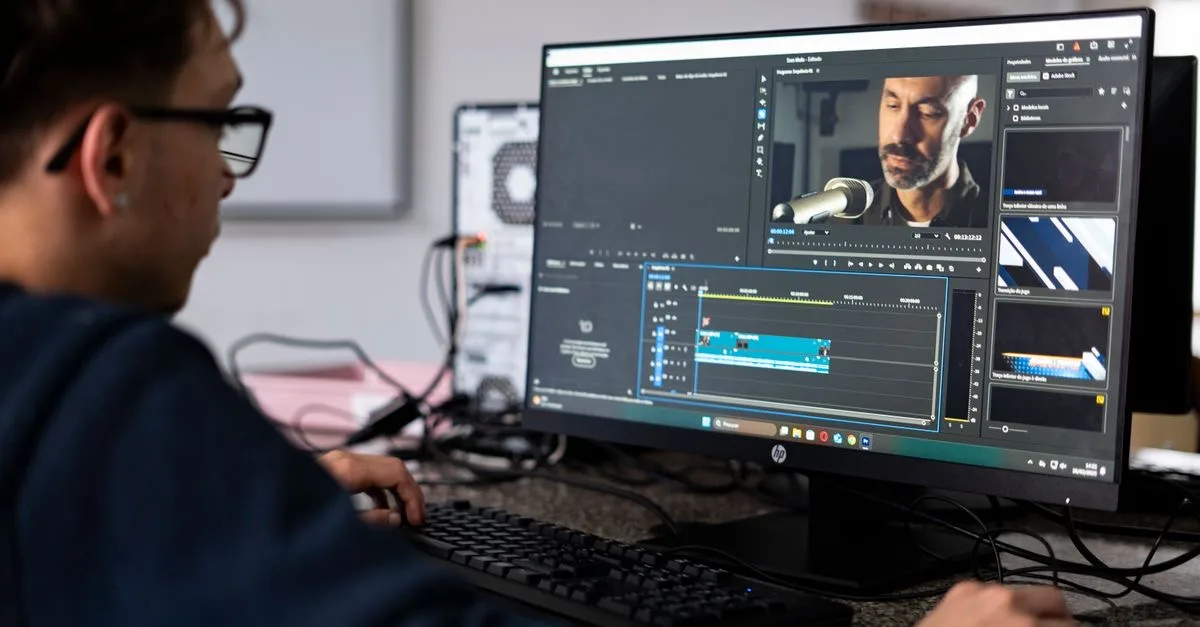
Not yet, and not for everything. A traditional editor still wins when you need frame-accurate cuts or complex multi-track audio, the work professional timelines are built for. Conversational editing is not trying to be that; it is a faster way to shape AI-generated footage before it ever reaches a timeline.
It is worth learning now for where it is heading. The clip length will grow and the edits will get more precise, and conversational control is clearly becoming the default way to shape AI video rather than a novelty. The creators who get comfortable directing by conversation today will not have to relearn anything when the ten-second cap becomes a ten-minute one.
The honest read for 2026 is that the two live side by side: you refine and restyle clips by conversation, then assemble and finish in whatever editor you already use. What is changing is the center of gravity, since more of the creative work now happens in language rather than on a track, and the skill that carries is the same one prompting rewards, saying clearly what you want. Want to learn the whole AI video pipeline? The Future Tech program teaches it end to end, from prompt to finished cut.




