
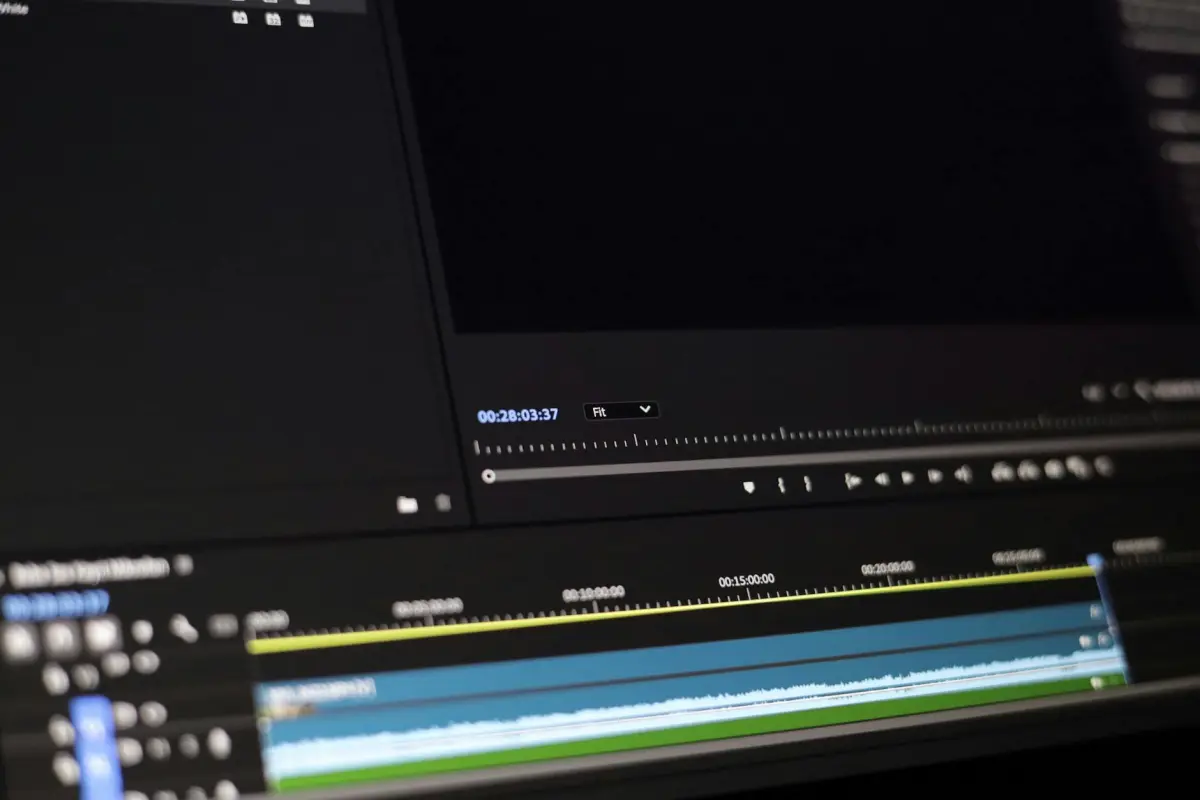
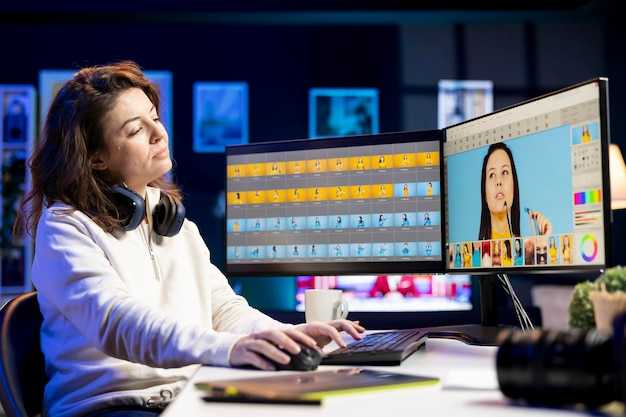
Відредагуйте керуючий кадр, щоб зафіксувати основні палітри та тонку другорядну палітру, потім виправте експозицію та баланс білого. Це створює передбачувану відправну точку для кожної сцени та зменшує дрейф під час налаштування освітлення.
Технічно вирівняйте основне світло з оточенням сцени, розмістіть ключове світло під кутом приблизно 45 градусів і обмежте інтенсивність, щоб уникнути обрізання. Використовуйте нейтральне заповнююче світло з холоднішим відтінком і тепле ключове світло для глибини. Зберігайте краї за допомогою помірного підвищення різкості та застосуйте кольорокорекцію, яка відповідає обраному стилю, зберігаючи природний вигляд.
Порівняно з конкурентами, цей робочий процес залишається неперевершеним за узгодженістю в часі та різноманітних ресурсах. Базуючись на модульному ланцюжку, він генерує стабільні результати для кожного кадру та підтримує прогресивний ланцюжок редагування, який масштабується до більших проектів, включаючи ігри. Він поважає їх, зберігаючи узгодженість кольору та руху, зменшуючи цикли перегляду.
Щоб забезпечити точність, дозвольте користувачам трансформувати мікрорегіони за допомогою локального переосвітлення, а потім поширювати зміни через часово-чутливий фільтр, який згладжує переходи. Це зберігає узгодженість настрою між сценами та забезпечує захоплюючий досвід, уникаючи різких стрибків, що порушують неперервність.
Організуйте бібліотеку палітр для типів середовищ: яскраве зовнішнє освітлення, сутінки, студійне приміщення та змішані середовища; встановіть чіткі цільові показники інтенсивності та зберігайте природний вигляд. Генеруючи послідовне освітлення для кожної сцени, це допомагає командам у іграх та інших медіа швидше отримувати більш надійні результати.
AI Video Relighting: Редагування зображення-референсу – План блогу
Почніть з одного опорного кадру як вихідного матеріалу та відкалібруйте колір, експозицію та орієнтацію тіней; зафіксуйте параметри камери для стабільної базової лінії; це буде керувати обчислювальним процесом і мінімізувати дрейф у матеріалі.
План зосереджений на цілях, даних, експериментах та оцінці. Він охопить багато сценаріїв і надасть професійні, зручні для редактора рекомендації; стаття буде спиратися на перевірки, засновані на аналітичних даних, та інтуїтивно зрозумілий робочий процес для редакторів.
Деталі обчислювального процесу: почніть із сегментації для виділення суб’єкта та основного затінення; оцінювач освітлення прогнозує напрямок та інтенсивність з опорного джерела; виконайте перенесення освітлення на кожен кадр за допомогою компактного набору цільових пресетів; застосуйте часове згладжування, щоб уникнути артефактів руху; надайте неруйнівний шлях коригування для редактора, щоб точно налаштувати результати.
Стратегія даних та метрики: зберіть 100–200 кадрів на сцену в п’яти сценаріях; знімайте високоякісною камерою з широким динамічним діапазоном; використовуйте RAW-матеріал для збереження широти; оцінюйте за допомогою SSIM та PSNR на каналах яскравості, а також якісні показники від панелі редакторів; вимірюйте узгодженість інтенсивності між кадрами та порівняно з оригінальним тоном зображень.
Керування редактора та професійні рекомендації: надайте інтуїтивно зрозумілий користувацький інтерфейс зі слайдерами для інтенсивності, колірної температури та нахилу тіней; діапазони за замовчуванням: інтенсивність 0–2x, колірна температура 3000–7000K; надайте пресети для студійного освітлення, денного світла та заходу сонця; увімкніть пакетну обробку для прискорення роботи з багатьма кліпами; забезпечте збереження високої точності виводу зображень та сцен.
Сценарії та робочий процес: тестуйте внутрішнє, зовнішнє, контрове, низькосвітлове та синтетичне освітлення; для кожного сценарію документуйте вплив напрямку та потужності освітлення на настрій; додайте стислий контрольний список якості та звіт швидкого перегляду для підтримки рішень у статті.
Кут огляду промисловості та конкурентів: підхід вплине на конкурентів, прояснивши можливості, обмеження та швидкість; опублікуйте кількісні результати та тематичні дослідження для зміцнення авторитету статті; наголосіть на співпраці інтелекту, даних камери та введення редактора для отримання надійного відеоматеріалу для широкої аудиторії.
Терміни та результати: чотиритижневий план з етапами – підготовка даних, адаптація моделі, інтеграція інтерфейсу користувача, контроль якості та тематичні дослідження; результатами будуть документ плану, протокол та зразки редагувань, придатні для портфоліо.
Визначення цільового освітлення із зображення-референсу

Визначте домінуюче джерело та встановіть ключове світло під кутом 45° до осі камери, з вертикальним нахилом 0–5°, колірною температурою 5200–5600K, а заповнююче світло з інтенсивністю 0,25–0,5 для збереження текстури. Розмістіть стійки для підтримки основних елементів: ключового, заповнюючого, контурного світла та відокремлення фону. Переконайтеся, що контрове світло створює чіткий край. Використовуючи ці підказки, створіть базову лінію, яка відповідає настрою вихідного матеріалу в різних кадрах.
-
Напрямок та настрій
Визначте напрямок променів у сцені, вимірюючи лінії тіней та контурне світіння референсу. Це визначає, звідки надходить основний промінь і як він охоплює суб'єкт, створюючи настрій, описаний як кінематографічний. Переконайтеся, що ключове, заповнююче та контрове світло узгоджені, щоб передати бажану емоцію на зображеннях, а не лише один екземпляр чи фотографію.
-
Відповідність інтенсивності
Створіть відносне співвідношення: ключове до заповнюючого до контурного світла 1:0,25–0,5:0,5–1,0 залежно від настрою. Використовуйте дифузію та екрани для коригування з кроком 0,5 ступеня. Перевірте, переглядаючи гістограму та швидко порівнюючи фотографії, щоб забезпечити відповідність інтенсивності між кадрами.
-
Колір та тон
Підберіть палітру: використовуйте 5200–5600K для денного настрою або 3200K для тепліших відтінків; застосовуйте CTO/CTB за потреби для узгодження тонів шкіри на зображеннях. Нормалізуйте баланс білого для послідовного відтворення кольорів на різних носіях та платформах.
-
Тіні, текстура та глибина
Контролюйте спад за допомогою дифузії: 2–4 ступені для м’яких тіней; для сильної драматичності зменште дифузію до 0–1 ступеня. Зберігайте стабільну геометрію тіней по всій сцені, щоб досягти неперевершеної глибини та текстури на фотографіях та інших зображеннях.
-
Автоматизація, платформи та робочий процес
Автоматизуйте переведення з референсу в послідовність освітлення. Платформа використовує метадані із зображень для встановлення ключового кута, інтенсивності та кольору для кожного екземпляра, масштабуючись на різних носіях та форматах. Це підтримує створення для різних користувачів та програм. Приклад: застосування однакових налаштувань до серії портретних знімків та до набору продуктових фотографій, цей екземпляр демонструє послідовний настрій та напрямок. Це поширюється на всі медіа, гарантуючи збереження того ж настрою.
У процесі роботи цей підхід посилює занурення, забезпечуючи послідовне передавання цільового настрою. Він спирається на визначення чіткого відображення підказок з референсу до практичних елементів керування на стійках та модифікаторах, забезпечуючи неперевершену реалістичність як у статичних, так і в рухомих послідовностях. Користувачі отримують вигоду від повторюваного шаблону, який можна повторно використовувати для кількох зображень та фотографій, забезпечуючи відповідну яскравість та відчуття на різних платформах.
Підготовка та нормалізація референсу: експозиція, баланс білого та колірний простір
Встановіть експозицію так, щоб цільове значення середньо-сірого записувалося як 0,45–0,50 за 0–1 шкалою інтенсивності, використовуючи нейтральну сіру карту для отримання показників та фіксації експозиції для сесії. Ця базова лінія запобігає екстремальному обрізанню та підтримує надійне відповідність на основі ШІ.
Баланс білого слід фіксувати за допомогою сірої карти під основним освітленням: 5600–6500K для сцен з домінуючим денним світлом; 3200–4200K для вольфрамового освітлення; для змішаних джерел використовуйте адаптивний WB з пріоритетом основного джерела та перевіряйте після будь-якої зміни освітлення. Це гарантує, що більшість екземплярів залишаються послідовними між вікнами та програмами.
Колірний простір повинен узгоджуватися з подальшою обробкою: вибирайте sRGB для більшості вихідних даних, орієнтованих на веб; Rec.709 для роботи рівня телерадіомовлення; для конвеєрів з високим динамічним діапазоном або лінійних робочих процесів, конвертуйте в лінійний простір, такий як ACEScg, і застосовуйте корекцію гами лише на стадії відображення. Дотримуйтесь послідовної політики управління кольором у всіх інструментах (включаючи набори Adobe), щоб мінімізувати дрейфи.
Адаптивні перевірки: захопіть швидку пару кадрів з різною інтенсивністю, щоб створити невеликий набір контрольних показників; зчитування цих значень дозволяє користувачеві оцінити, які налаштування дають найкращу відповідність цільовому тону. Використовуйте підхід занурення для оцінки впливу змін на відповідність і віддавайте перевагу найбільш стабільній комбінації для більшості сцен. Неправильно вибрані параметри погіршать реалістичність у практичних застосуваннях. Наприклад, використовуйте компактний набір кадрів у різних умовах освітлення для перевірки стабільності.
| Параметр | Рекомендований діапазон | Примітки |
|---|---|---|
| Базовий рівень експозиції | 0.45–0.50 інтенсивності (шкала 0–1) | Заблокувати після зчитування; перевірити гістограму, щоб уникнути обрізання на світлих ділянках або тінях. |
| Колірна температура для балансу білого | 5600–6500K (денне світло); 3200–4200K (вольфрам) | Використовувати сіру карту; адаптивний ББ для змішаного освітлення; перевірити другим зчитуванням. |
| Колірний простір | sRGB; Rec.709; опціонально лінійний ACEScg | Зіставити з вихідним вікном; підтримувати лінійну обробку до застосування гами дисплея. |
| Гамма / обробка | Гамма дисплея ~2.2; лінійна в робочому процесі | Запобігти зсувам гами під час етапів переосвітлення; конвертувати в кінці обробки. |
| Критерії узгодженості | 3–5 кадрів під час змін освітлення | Приклади показують, що більшість сцен стабілізуються в цих межах; використовувати як базовий рівень для узгодження за допомогою ШІ. |
Побудова конвеєра переосвітлення: маскування, шейдинг та синтез кадрів
Використовуйте триетапний робочий процес: маскування з семантичними та краєвими вдосконаленнями, шейдинг з навчаною основою та адаптивними прибутками на піксель, а також синтез кадрів, який поєднує результати протягом часу для плавних переходів, як описано в цій статті.
Для масок поєднуйте легкий класифікатор з ручними корекціями; застосовуйте ітеративне згладжування та зберігайте чітко визначені внутрішні області, щоб забезпечити послідовні межі. Прив'язуйте маски до джерела, початкового набору кадрів з чіткими контурами, щоб покращити стабільність на основі цих вказів у різних кліпах.
Шейдинг повинен підтримувати експресивну різноманітність настрою; використовуйте обмежену основу шейдингу, коефіцієнти, що враховують контраст, та адаптивні колірні посібники; підтримуйте постійне освітлення між сценами.
Синтез кадрів залежить від часової когерентності та адаптивного змішування; обчислюйте корекції для кожного кадру за допомогою легкої моделі; об'єднуйте виходи за допомогою змішування, що враховує час, щоб уникнути мерехтіння.
Визначте компактний набір для оцінки: збереження контрасту, стабільність кольору та відповідність експресивного настрою джерелу; тестуйте на різноманітних фотографіях, щоб виявити неперевершену продуктивність при більшості напрямків освітлення та ступінь задоволення переваг. Використовуйте легкі інтелектуальні сигнали для керування калібруванням та зменшення перенавчання на одному джерелі.
Адаптивна взаємодія: збирайте запитання та повідомлення від користувачів; налаштовуйте параметри масок, шейдингу та синтезу, щоб вони відповідали більшості випадків використання; забезпечуйте чіткі петлі зворотного зв'язку, щоб переваги адаптувалися з часом.
Поради щодо впровадження: модульна стійкість масок, карт шейдингу та результатів кадрів; підтримуйте ефективний процес; виділіть невеликий бюджет часу на обробку; проводьте ітеративні тести з кількома кліпами, щоб уточнити параметри та забезпечити стабільну продуктивність між сценами.
Забезпечення часової когерентності: техніки для стабільності від кадру до кадру
Виправте глобальну експозицію та колір по всьому кадру, виводячи цільове значення для всієї сцени з ковзного вікна з 5 кадрів і застосовуючи стриману колірну та гамма-корекційну трансформацію до кожного кадру. Це запобігає мерехтінню та підтримує стабільний вигляд з часом, як дисциплінований виробничий конвеєр.
Реалізуйте узгодження освітлення з урахуванням руху: обчислюйте оптичний потік між послідовними кадрами, відповідно коригуйте деформацію та обмежуйте зміни яскравості для кожного кадру до 2–3% від попереднього кадру. Додайте компонент часової втрати до моделі, який карає за різкі зміни, щоб зберегти природну прогресію.
Використовуйте двогілковий світловий модель: компонент, що є постійним для сцени, забезпечує широку узгодженість, тоді як локальний компонент захоплює варіації перспективи та шейдингу. Комбінований результат повинен бути узгодженим між кадрами; використовуйте колірні конвеєри, такі як ACES, з належною обробкою гами перед конвертацією у вихідний простір.
План тестування: створіть пакет з темними та висококонтрастними кадрами. Використовуйте бенчмарки для вимірювання часового дрейфу за допомогою дисперсії яскравості та відстані колірних гістограм між послідовними кадрами; порівняно з базовим підходом; повідомляйте час і пропускну здатність для кожного кадру, щоб забезпечити готовність платформи.
Платформа та доступність: запропонуйте бібліотеку або плагін, незалежні від платформи, щоб конвеєри виробництва залишалися доступними для творців з різними навичками; надайте інтерактивний інтерфейс користувача з повзунками для довжини вікна, сили та стійкості до руху, що дозволяє постійно вдосконалювати процес. Робочий процес використовує знайомі концепції та масштабується від індивідуальних авторів до студій, зменшуючи час для отримання результатів. Це допомагає створювати контент у великих масштабах.
Керівництво: згідно з галузевими практиками, визначте ціль узгодження в ключові моменти; тестуйте на різноманітних сценах, включаючи темні кадри; запитання для перевірки включають: чи змінюється вигляд між кімнатами? чи зберігається рух? чи стабільна глибина?
Стратегія, незалежна від носія: ті ж методи підходять для трансляції, стрімінгу та локального виробництва; результати демонструватимуть неперевершену стабільність, дозволяючи операторам створювати природний вигляд між кадрами. Творці з цим робочим процесом досягнуть послідовного шейдингу та кольору по всій послідовності, покращуючи враження від перегляду та зменшуючи час читання для рецензентів.
Планування часу: кількісно визначте бюджет часу для кожної послідовності та відстежуйте час обробки для кожного кадру; розробляйте конвеєри за допомогою бенчмарків, щоб проблеми можна було швидко ізолювати; плануйте поетапну доставку у виробничих середовищах, щоб забезпечити передбачувані результати.
Оцінка якості: візуальні перевірки та кількісні метрики
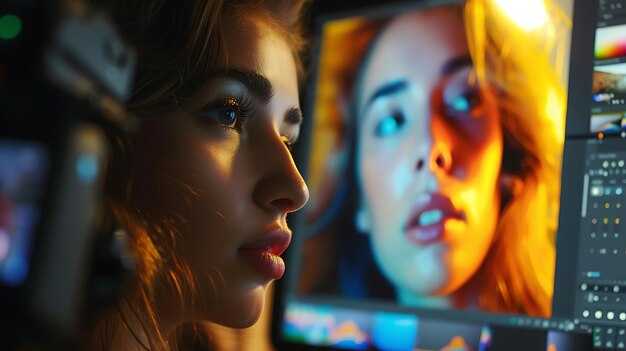
Почніть зі суворої базової лінії контролю якості: зберіть надійний набір еталонних зображень і проведіть двопрохідну оцінку, використовуючи піксельні та перцептивні показники подібності.
Візуальні перевірки зосереджені на узгодженості між кадрами: постійність кольору по сценах, безперервність шейдингу, точність текстур, правильне розташування тіней та цілісність країв навколо редагувань. Позначайте ореоли, обрізання кольорів, втрату насиченості та роздвоєння, а також стежте за розмиттям, пов'язаним з рухом, під час швидких панорам. Використовуйте контрольований набір для редагування параметрів та спостерігайте, які зміни дають менше артефактів.
Кількісні метрики: обчислюйте PSNR, SSIM та LPIPS для об'єктивної оцінки якості; доповнюйте їх відстанню колірних гістограм та показниками часової когерентності для виявлення дрейфу між послідовностями. Ці метрики застосовуються до зображень та сцен в інструментах, які працюють на різних платформах, при різних перевагах. Практичні цілі: PSNR вище 28 дБ, SSIM вище 0.90, LPIPS нижче 0.15; показник часової когерентності вище 0.85 у ковзних вікнах по 1–3 секунди.
Робочий процес та інструменти: розгорніть кросплатформний інструмент, який тримає редактора у згоді з уподобаннями, що допомагає. Під час створення варіантів, інтерактивний інтерфейс користувача дозволяє користувачеві порівнювати базовий варіант з відрегульованими кадрами пліч-о-пліч; система адаптується до кожного проекту, а віртуальний сенсей може допомогти професіоналам передати задумане бачення. Цей інструмент адаптується до кожного робочого процесу.
Практичні рекомендації для професіоналів: створіть чітку, повторювану звичку контролю якості, яка зосереджується на різноманітних сценах та зображеннях, з версійними еталонами та задокументованими порогами. Надайте доступні інструменти, якими можуть користуватися молодші редактори; враховуйте відгуки зацікавлених сторін для вдосконалення робочого процесу, подібного до сенсея; починайте кожен проект із спільного бачення та контрольного списку перегляду, щоб допомогти передати це бачення під тиском.




