
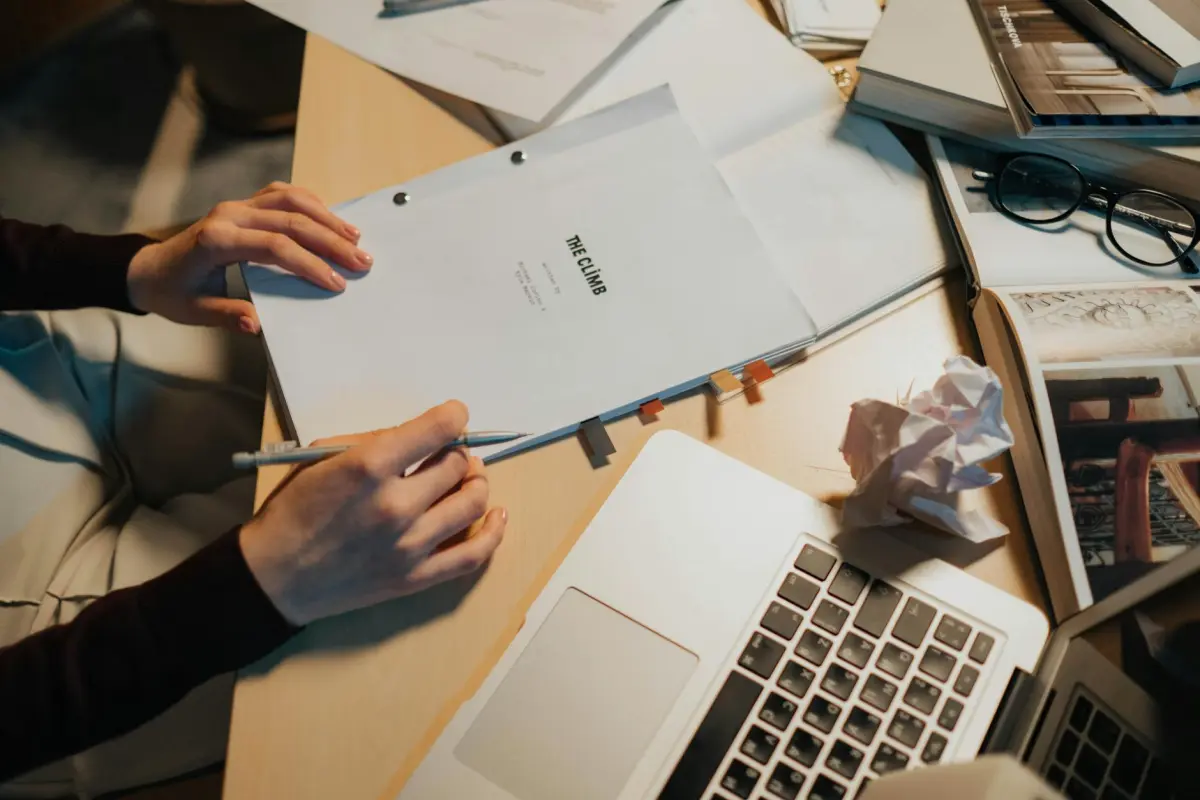

シーンを書き始める前に、メインテキストの概要をまとめ、トーンを設定してください。このステップで焦点を絞り、修正を減らすことができます。
aicontentfyを使用して論理的なアウトラインを作成し、コアアイデアを選択して、アクトとショット全体でフローをマッピングします。セクション間では、簡潔な行を保ち、正確な文法を確保して、強力で一貫性のあるナラティブをサポートします。
欠点に注意してください。AIはニッチな詳細を見落としたり、視聴者の意図を誤読したりする可能性があります。これらの落とし穴を避けるには、主要な入力の選択に頼り、反復的な編集を行って事実を修正し、ペースを調整します。
編集は別のパスで行う必要があります。長いメモを簡潔なセクションに要約し、重複を削除し、各段落がメインメッセージをサポートしていることを確認します。最先端の編集技術と迅速な編集パスを使用して、スムーズなボイスと視聴者への対応、次のステップの明確な見通し、信頼性の高いテキストフローを確保します。
最終調整は、自動化と人間の判断のバランスをとる戦略に依存します。何を強調するかを決定し、トーンの一貫性を維持し、再利用可能なテンプレートを保存して、将来の編集セッションをスピードアップします。これにより、コンテンツの文法的な正確さと多様な視聴者へのアクセス可能性を維持しながら、メインアイデアを使用することができます。
人工知能と人間の創造性を融合させる5つの方法
具体的なブリーフから始め、無料の基本テストを実行してトーンを調整します。もう1つの迅速なバリアントで比較できます。aicontentfyを使用してコンセプトのアウトラインと短いスクリプト作成フレームを生成し、最終的な磨き上げの前に独自のメモで基盤を洗練します。
AIにナラティブの最初の部分をドラフトさせ、次に感情的なアークを形作り、広範なストーリーと世界構築を追加します。アウトラインでビートとトーンをマッピングします。
サードパーティの検索を使用して広範なコンテキストと信頼できるデータを収集します。この資料をスクリプト作成計画に添付し、統合前に品質チェックでフィルタリングします。
AIドラフトを足場として扱い、ボイスを維持するためにオプションの人間による編集を保持します。これは難しい場合がありますが、迅速なテストを実行して視聴者の質問に答え、複雑さを単純化することで、良いバランスを目指すことができます。
ウェビナーを開催してリアルタイムのフィードバックを収集し、トレーニングサイクルを通じてプロセスを進化させます。何が機能しているかを知り、しっかりした基盤に努力を anchor し、直感とAIコンテンツをブレンドして、従来の metod と別の適応アプローチとともに、一貫した全体を提供します。
プロンプトを作成する前に、明確な目標を設定し、ターゲットオーディエンスを定義する
プロンプト作成前に、意図した結果とオーディエンスを定義します。この準備はAI生成された作業をガイドし、用語を明確にし、編集と制作を簡素化します。リールの場合、明確なショーケースの目標を設定し、視聴者の期待とプラットフォームの動作に合わせるために、15〜60秒の成功シグナルをマッピングします。ベースラインが必要な場合は、2週間以内にエンゲージメントを15%向上させるなどの目標を設定します。
- オーディエンスと価値観:年齢層、関心事、課題、価値観、視聴パターンを持つ1つ以上のオーディエンスペルソナを定義します。コンテンツが誰のためのものかを指定して、作業を調整し、視聴者にとって奨励的なトーンを構築します。
- 意図した結果と指標:主な目標(リーチの拡大、保存の増加、アクションの推進)を述べ、測定可能な指標を添付します。成功がどのように評価され、時間とともに追跡されるかを定義します。
- フォーマットと長さの制約:リールをプライマリフォーマットとして特定します。15、30、45、または60秒のオプションから選択します。小規模チームの場合、制作ペースをタイトにし、編集サイクルを短くします。迅速なテストが必要な場合は、30秒から始めます。
- 検索駆動型ブリーフ:検索後、オーディエンスの価値観に沿ったキーワード、トピック、トレンドを収集します。コンテンツが関連性があり、一貫性があることを保証するために、短い用語リストを含めます。
- ガードレールと準備:複雑または困難なトピックの計画とともに、トーンと言語の制約を慎重に定義します。コンセプトをテストするために、最小限の、よく範囲設定されたドラフトから始めます。次に、編集と制作のフィードバックを適用してブリーフを洗練します。
- 検証と反復:AI生成されたドラフトの後、オーディエンスと目標との適合性を評価します。視聴者の結果を改善するために、次のラウンドのブリーフとプロンプトを調整します。
このアプローチにより、オプション間のバランスを制御でき、作業が意図した結果と一致し、複雑さが軽減され、成功した制作サイクルの可能性が高まります。
定義された構造、制約、および役割割り当てでプロンプトを設計する
固定された足場を使用します。役割を指定し、タスクを指定し、制約を強制し、入力を提供し、明確なタグで構造化されたスクリプト出力を要求します。
-
役割割り当て
- 役割マトリックスを定義します。ナレーター、ホスト、エキスパートなど、明確なボイス特性を持つ役割。
- トーンとニーズを設定します。トーン=会話的、オーディエンスのニーズ=実践的なステップと実用的なヒント。
- 1行で意味を述べ、2〜3文に拡張して曖昧さを防ぎます。
- 役割を定義したら、入力フィールドと5つのパターンを組み合わせて多様性を示します。
- 意図をカプセル化するためにタグを適用します。例:[tone=conversational]、[audience=beginners]、[subject=prompt design]。
-
タスクブリーフィング
- 正確なタスクを説明します。生成します。オープニングセグメントの簡潔なストーリーアーク。ダイアログキューと明確なCTAを含みます。
- 5つのビート構造をアウトラインします。セットアップ、摩擦、ピボット、解決、次のステップ。
- 望ましい結果を定義します。最小限の無駄のない、実践的で録画準備完了のスクリプト。
- オーディエンスのテイクアウェイと、出力がそのテイクアウェイを1回のパスでどのようにサポートするかをメモします。
-
制約
- 時間と長さ:60〜90秒、150〜200語、または指定した正確な語数制限をターゲットにします。
- スタイル:インフォーマル、説得力があり、明確にします。文の長さの境界と句読点のルールを強制します。
- フォーマット:見出し、ダイアログ行、ステージディレクションを含めます。[Tone]、[Dialogue]、[Stage]などの明示的なタグを使用します。
- 言語:専門用語を最小限に抑えます。初心者にわかりやすい説明を確保し、明確さを確認します。
-
入力データ
- ニーズを提供します。オーディエンスの背景、トピック、および主要なテイクアウェイ。
- 入力サンプルを使用します。「トピック:構造。オーディエンス:新規クリエイター。ニーズ:実践的なステップ。」
- 別の入力バリアント:「トピック:プロンプトデザイン。長さ:短い。スタイル:フレンドリー。」
- スクリプトが直接参照できる、アクション可能なチャンクにトークン化された入力があることを確認します。
-
出力構造
- スクリプトをセクションにフォーマットします。INTRO、BODY、CONCLUSION。各セクションにはダイアログスニペットとビジュアルキューを含めます。
- 視聴者のエンゲージメントを促進するためのインセンティブに関するメモと、テイクアウェイを備えた要約セクションを含めます。
- メインコンテンツの下に、簡単な要約と、別のトピックで練習するための行動喚起を提供します。
-
品質チェック
- 最初の10秒以内に意味が理解できることを確認します。影響を薄める無駄を削除します。
- 5つのパターンに対してテストします。説明、インタビュー、ストーリーテリング、デモンストレーション、要約。すべてが表現されるまで調整します。
- スクリプトが望ましいトーンに忠実であり、ユーザーの入力とニーズに一致していることを確認します。
注:Googleの結果と信頼できるウェブサイトを参照して、模範的なプロンプトをプルし、トレーニングデータとトピックに合わせて適応させます。このアプローチは、クリーンで明確なプロセスを示すのに役立ちます。また、入力、パターン、役割割り当てを、有用なスクリプトを生成する1つのまとまったプロンプトに組み合わせる方法を理解できるようになります。簡潔なタグと一貫した構造を維持することにより、プロンプトはアクション可能で再利用しやすく、別のトピックで迅速な反復処理の準備が整います。
ドラフト、テスト、反復的な改訂を通じて洗練する
基本的なアウトラインから始め、60秒間声に出してテストして明確さを確認します。ここでは、生成されたドラフトと厳密なチェックリストを組み合わせます。オープニングは強力で、トーンはオーディエンスに一致し、トランジションはスムーズで、メッセージが遅くなる場所を特定します。
小グループからのフィードバックを注意深くキャプチャし、反復的な改訂を実行します。フック、ペース、トーンを開始するなど、1つの要素を一度に変更して、スクリプトがよりスムーズに読めるようにします。この演習により、作業が集中し、次のバージョンがより強力になります。
TikTokのようなプラットフォームでキャンペーンが翻訳されているか、15秒と60秒のフォーマットでテストします。視聴者がどこで一時停止し、どこで繰り返し視聴するかを記録して、編集に役立てます。
視聴時間、完了率、いいね、シェア、コメントなどの指標を追跡し、可視性と実績を測定します。改訂版では、より良い保持率とより明確なスクリプトのトーンを示す必要があります。
指示:シンプルで再現可能なワークフローを構築します。固定の改訂期間(例:48時間)を設定し、機械支援チェックリストを使用して労力と成果を一致させます。クリエイティブなアイデアと分析を組み合わせて、各サイクルをここでシャープにし、フィードバックループが勢いを増幅させます。
初回ドラフトから、基本的な指示とクリエイティブな才能を融合させ、可視性とエンゲージメントの両方をTikTokのようなプラットフォームのキャンペーン全体で向上させる、より強力で一貫性のある作品を目指します。
ビジュアル、ペース配分、画面上の指示を組み込む
完全なシーンリストをビジュアルキューと画面上の指示とペアにし始めます。編集メモをエディタ内に配置し、制作中に時間を節約し、視聴者にとっての一貫した流れを確保する計画を立てます。
ペース配分を理解することは、視聴者が体験することに影響します。トークヘッドに6〜8秒、キャプションに2〜4秒、トランジションに1〜2秒を割り当てて、リズムを確立します。また、ユニークでカジュアルな感じのビジュアルとサウンドのシンセサイザーを作成します。プラットフォーム全体でテストして、ペース配分が異なる環境でも維持されることを確認します。
画面上の指示は明確にする必要があります。下部のサードには名前を付け、データボックスをコールアウトとしてラベル付けし、0:04、0:12、0:26などの正確なタイムコードでトリガーされる強調フレームを付けます。これらのキューは、スクリプトライターが論理的かつ一貫性を保つのに役立ち、編集をクリーンに保ちます。
ブラウザベースのエディタでドラフトを作成し、生成されたストーリーボードとアセットをエクスポートします。複数のプラットフォームでテストして、ビジュアルがデスクトップとモバイルで正しくレンダリングされることを確認します。
投稿する前に、最適なペースを維持するためにトリミングする必要があるものをレビューします。同僚に、視聴者のエンゲージメントを維持するように依頼します。
人間のフィードバックで声、トーン、ストーリーテリングのビートを磨く

まず、ポーランド語の文脈で単一のテイクアウェイを示す簡潔なクリップ(約60〜90秒)をキャプチャします。ターゲットオーディエンスに堪能な2〜3人のレビューアから入力を収集し、明確さ、リズム、文化的共鳴を評価するように依頼します。メモを処理することで、間違いが浮き彫りになり、ペースが停滞したり、フレーズが一般的すぎたりする部分が分離されます。この入力を利用して、ケイデンス、言葉の選択、ストーリーテリングのビートを洗練させます。休憩間隔を一定に保ち、強調を調整して流れを維持します。広範な書き直しではなく、ターゲットを絞った編集に時間を費やす必要があります。これにより、より明確な印象とユニークで論理的な進行が得られます。
フィードバックを使用して、各ビートに明確なテイクアウェイを持つシーケンスを作成します。誤解があった場合は、短い再録音と迅速なレビューで反復します。目標は、チュートリアル全体で再利用できる構造を生成し、入力から洗練された出力までの高速ループを可能にすることです。このアプローチは処理時間を短縮し、最終的な明確さを向上させるため、オーディエンスはエンゲージされ、独自の学習ジャーニーで手順を再現できるようになります。
実践的な調整の例としては、文を短くしたり、文化的に離れた慣用句を置き換えたり、ポーランドのデジタル空間での一般的な検索パターンを反映するようにオープニングフックを調整したりすることが挙げられます。結果は、自然な流れと次のステップに視聴者を導く強力なコールトゥアクションを備えた、デジタルネイティブなものになるはずです。印象はユニークで記憶に残るものになり、エディタや声優が再現できる詳細なキューを備えています。
| 側面 | アクション | 指標 |
|---|---|---|
| 声とトーンの調整 | 地元の規範を参考にポーランドのオーディエンスに合わせる;レビューアのメモを適用して、言葉遣いとユーモアを調整する | 明確さ 4.6/5;文化的共鳴 92%;印象 8.2/10 |
| ケイデンスと流れ | 8〜12秒ごとにビートをマークする;一時停止をテストする;変化のある文の長さを利用する | 平均一時停止時間 1.2秒;流れスコア 4.7/5 |
| 言葉の選択とニュアンス | 一般的な用語を地域固有のフレーズに置き換える;動詞を指定する | クリップあたりの改訂回数 < 3;間違いが40%減少 |
| ストーリービートとテイクアウェイ | 各セグメントを1つのテイクアウェイに合わせる;論理的な進行を確保する | フォローアップレビューでのテイクアウェイ想起率 88% |
| レビューサイクル | 2パスレビューを実装する:初期の人的入力、最終的な磨き | ラウンドあたりの所要時間:12〜18分;改訂サイクル 2倍 |




